


Description
Download SBMAV Disk Cleaner – Disk Cleaning, Duplicate File Finder, Program Uninstaller
Overview
SbmaV Disk Cleaner is a utility-focused application designed to simplify system maintenance for users seeking to free up disk space and improve device performance. The app targets individuals who manage digital files on their computers and wish to maintain optimal system health without requiring advanced technical knowledge. Its core purpose lies in decluttering storage by removing junk files, identifying duplicates, and streamlining software uninstallation. These functions address common challenges such as slow performance, low storage capacity, and disorganized file systems—issues that frequently impact both casual users and professionals relying on stable computing environments.
The application is intended for users across skill levels, from beginners unfamiliar with system optimization to intermediate users looking for a reliable, one-stop tool. While the developer has not disclosed additional background details, the app’s long-standing presence since its release on June 27, 2014, suggests a degree of reliability and user retention. Real-world use cases include preparing a device for new software installation, improving startup speed, or organizing personal media libraries by eliminating redundant files. In the broader app ecosystem, SBMAV Disk Cleaner fills a niche for lightweight, accessible PC maintenance tools that prioritize simplicity and functionality over complex configurations.
Key Features & Functionality
SbmaV Disk Cleaner offers a suite of practical tools tailored to enhance system efficiency and storage management. Each feature is designed to address specific pain points in digital file maintenance, providing tangible benefits for everyday users.
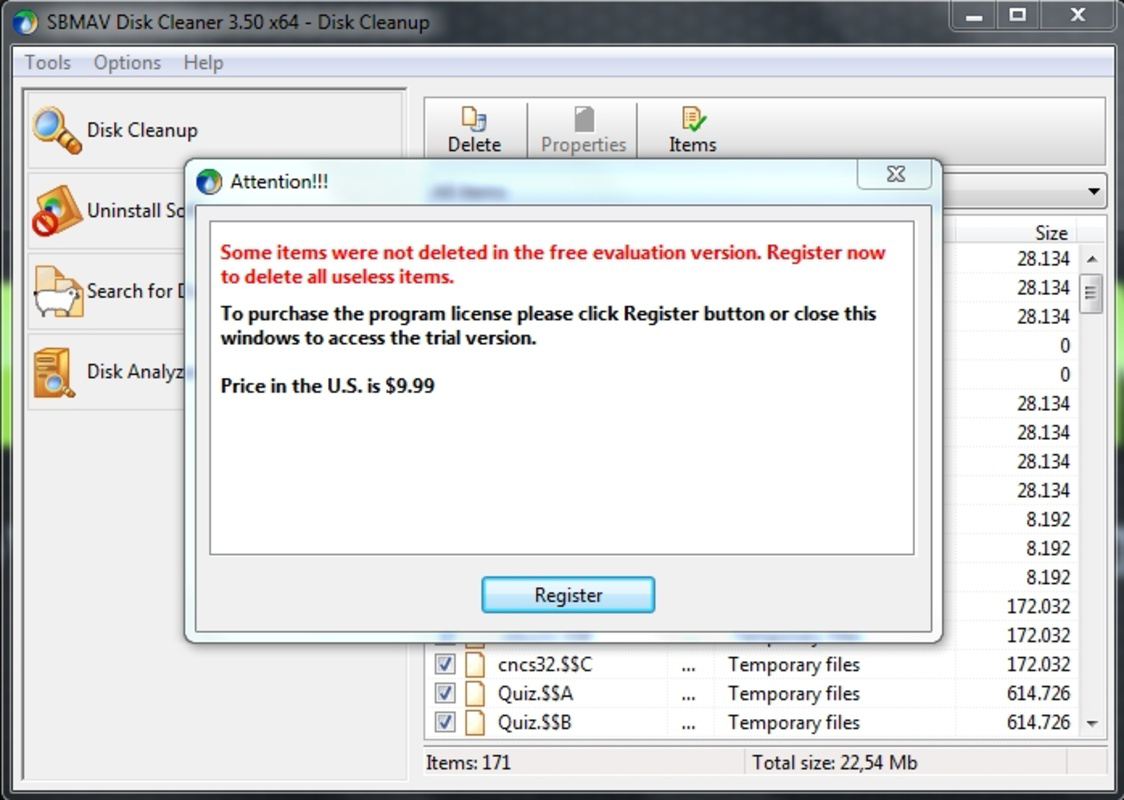
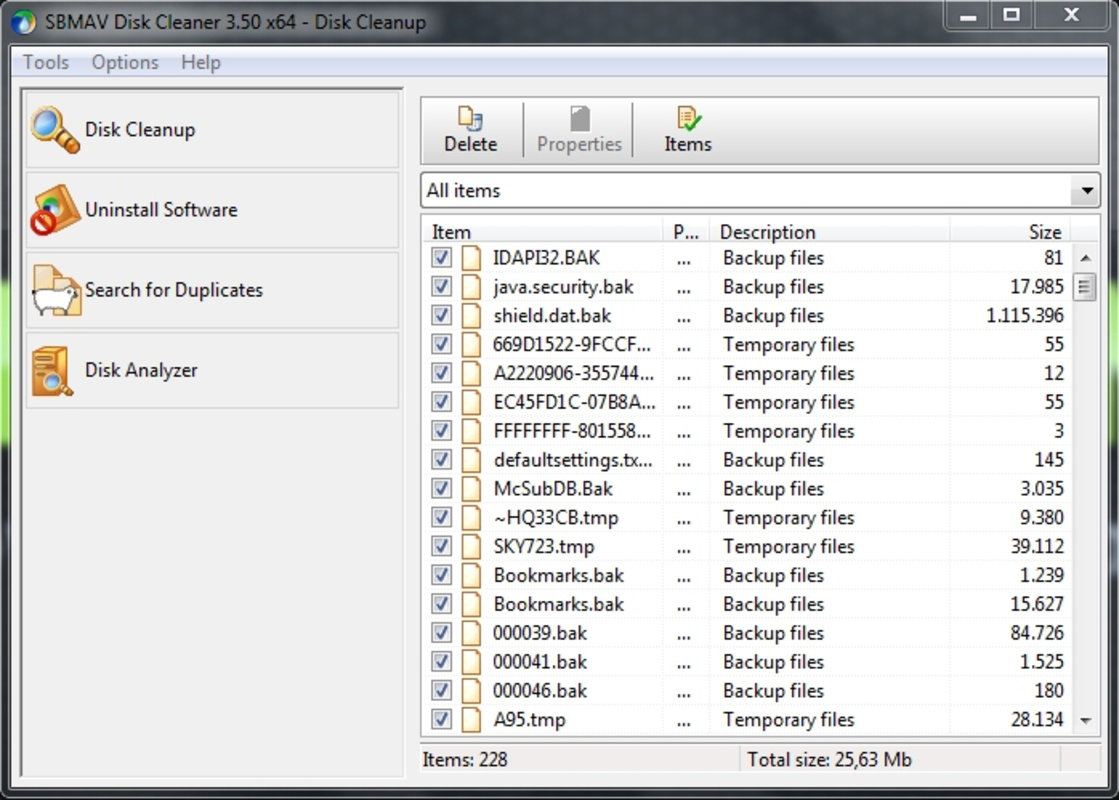
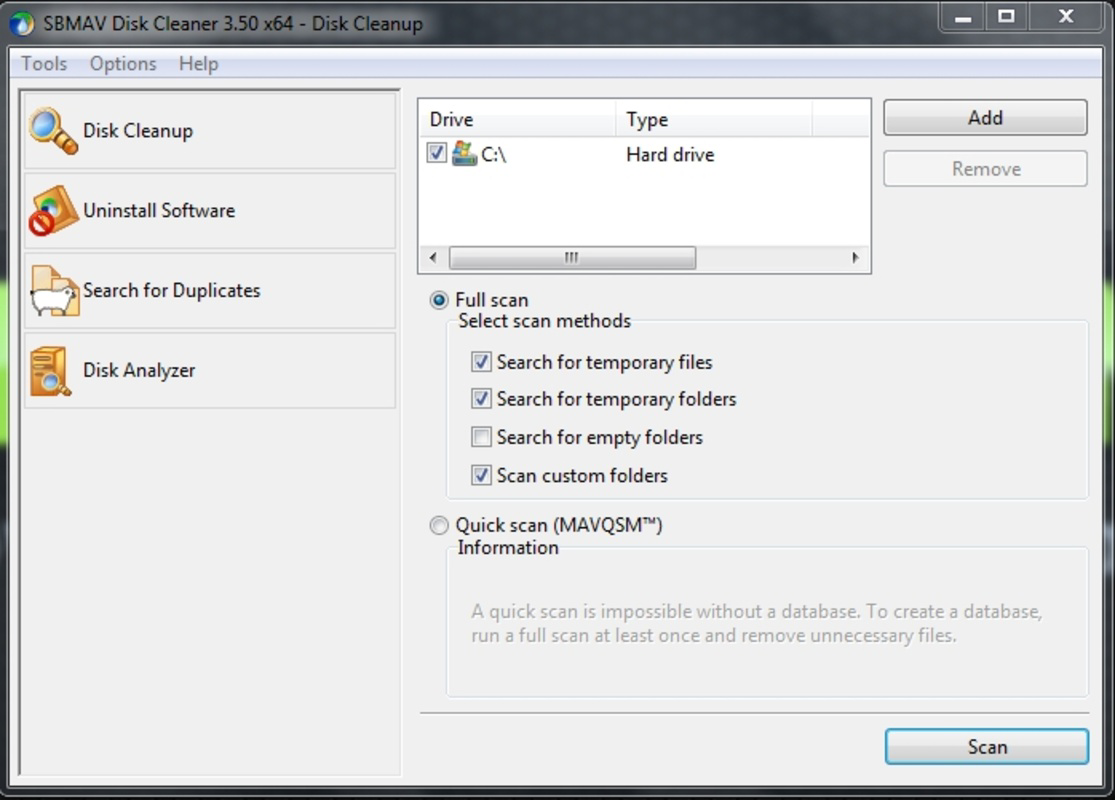
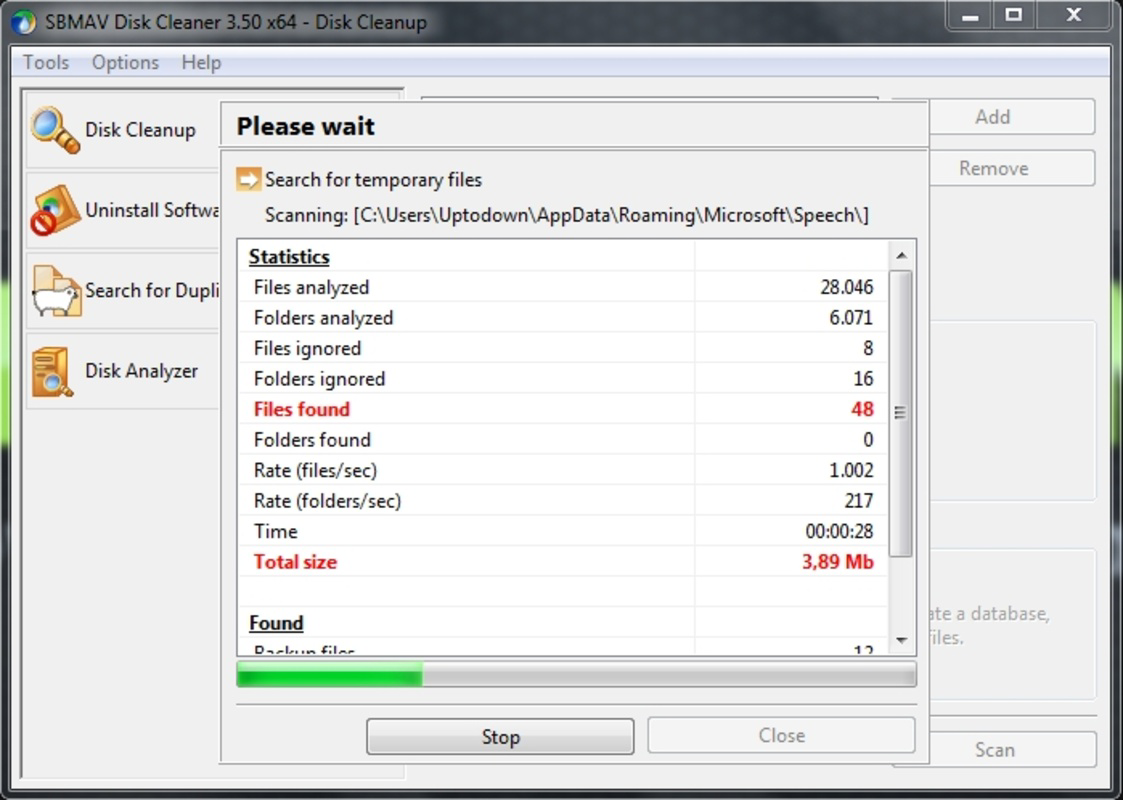
- Disk Cleaning: This feature scans for temporary files, system caches, and other non-essential data that accumulate over time. By removing these files, users can reclaim valuable disk space and potentially improve overall system responsiveness.
- Program Uninstaller: The tool enables users to uninstall applications along with their residual files, ensuring a clean removal process. This helps prevent leftover registry entries or configuration files from cluttering the system.
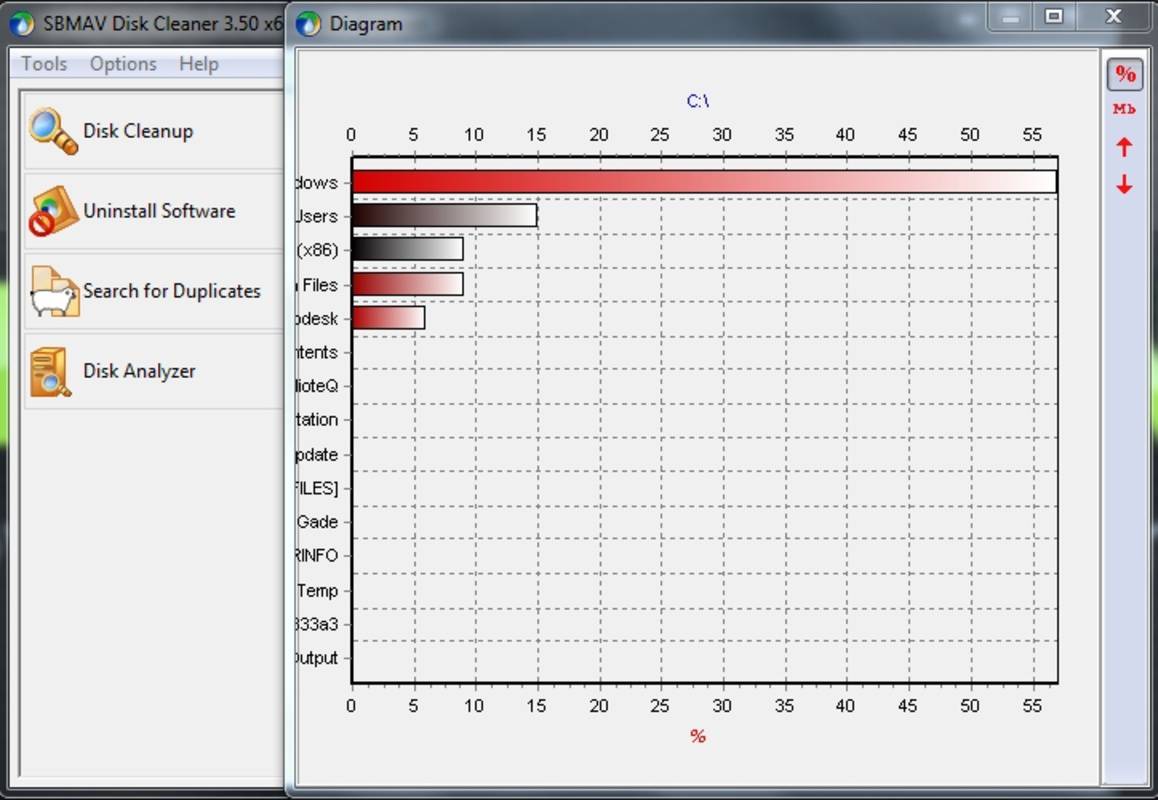
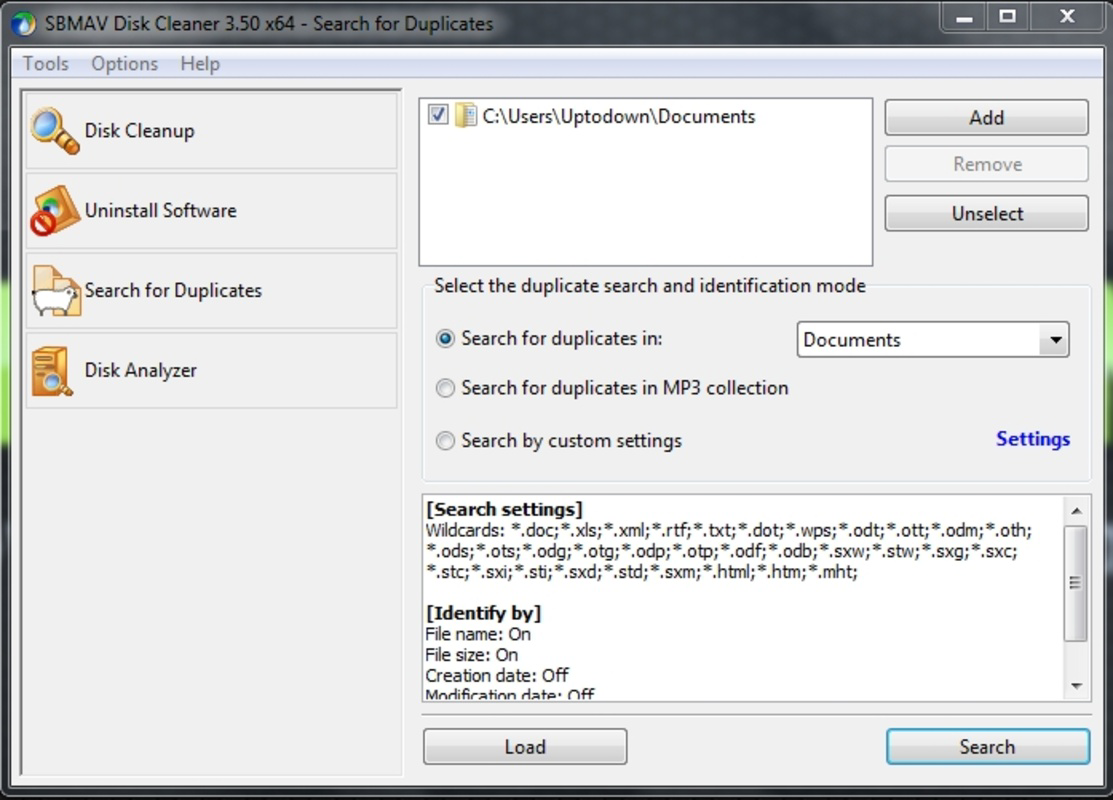
- Duplicate File Finder: This functionality identifies identical files across drives, allowing users to delete redundant copies. It is particularly useful for managing photo collections, document backups, or media libraries where duplicates are common.
- Memory Scan: The Memory Scan evaluates the system for unnecessary entries that may hinder performance, especially during startup. By detecting and eliminating these entries, the app aims to enhance system efficiency and reduce boot times.
- User-Friendly Interface: With a minimalist design and clearly labeled options, the interface supports intuitive navigation. This makes the app accessible to users with limited technical expertise, enabling efficient operation without requiring prior knowledge.
Interface, UX & Performance
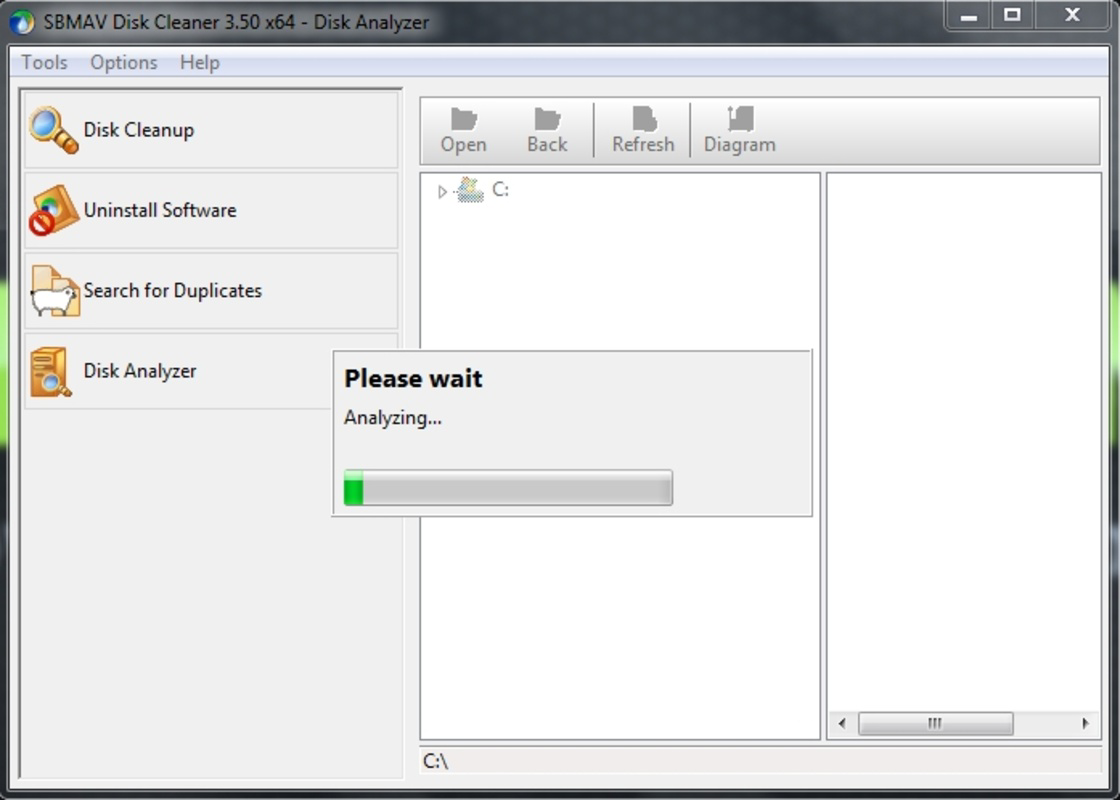
The interface of SBMAV Disk Cleaner reflects a minimalist design philosophy, emphasizing clarity and ease of use. Navigation is structured around a clean layout with straightforward access to core functions such as disk cleaning, program uninstallation, and duplicate file detection. The visual style avoids clutter, using consistent color schemes and well-spaced controls to guide users through each step of the process.
Interaction flow is linear and predictable, allowing users to initiate scans, review results, and execute actions with minimal effort. The app’s responsiveness appears to be optimized for typical desktop environments, though specific performance metrics were not provided by the developer. Although the developer did not list formal performance metrics, the app’s continued availability suggests a stable runtime and low likelihood of crashes during standard operations.
Stability across different device categories remains unverified, but the design implies compatibility with standard PC configurations. Users can expect consistent behavior during scanning and cleanup tasks, with no indication of significant lag or memory overhead. The absence of complex settings or advanced options reinforces the app’s focus on accessibility and simplicity.
Platform Compatibility & Technical Requirements
SbmaV Disk Cleaner is available for Windows-based systems. The application is designed to run on desktop computers and is compatible with various versions of the Windows operating system. The current software version is not specified, nor are the minimum OS requirements disclosed. The file size of the application is also not provided by the developer.
Specific requirements such as RAM, processor speed, or disk space were not listed. The developer did not specify minimum OS requirements. As such, users should consult official sources for compatibility details before installation. The app’s availability on other platforms such as macOS or mobile operating systems has not been confirmed.
Pros and Cons
Pros
- Simple, intuitive interface suitable for users of all experience levels.
- Comprehensive cleaning tools for junk files, duplicates, and unwanted programs.
- Efficient uninstallation process that removes residual files.
- Minimal resource usage during operation.
- Long-standing presence in the utility software space suggests reliability.
Cons
- Developer did not provide specific technical details such as OS version or file size.
- No information on update frequency or support timeline.
- Compatibility with modern Windows versions was not confirmed.
- Performance metrics were not disclosed.
- Availability on platforms beyond Windows was not stated.
FAQ
Is SBMAV Disk Cleaner safe to use?
The app is designed to remove non-essential files and is generally safe for use on personal computers. However, users should review scan results carefully before deleting files to avoid removing critical system components.
Can I use SBMAV Disk Cleaner on older Windows systems?
While the app has been available since 2014, specific compatibility with older Windows versions was not disclosed by the developer. Users should verify system requirements before installation.
Does SBMAV Disk Cleaner require an internet connection?
Based on available information, the app does not appear to require a constant internet connection. However, certain features may benefit from online updates or cloud-based scanning, which were not specified.
How often should I run the disk cleaner?
Users may choose to run the cleaner weekly or monthly, depending on their usage patterns. Frequent file creation and software installation may warrant more regular maintenance.
Is SBMAV Disk Cleaner free to download?
While the app’s pricing was not listed, many similar utility tools are available at no cost. Users should check official sources for current pricing and licensing details.
Final Thoughts
SbmaV Disk Cleaner presents a straightforward solution for users seeking to maintain a clean and efficient computer system. Its focus on essential tools—disk cleaning, duplicate file detection, and program uninstallation—makes it a practical choice for routine maintenance. The minimalist interface ensures accessibility, while its core functionalities address real-world challenges like storage congestion and performance degradation.
Although detailed technical specifications are not available, the app’s longevity and clear purpose suggest a stable and dependable tool. It is especially beneficial for users who prefer simple, no-frills utilities without the complexity of advanced settings. For those managing personal or office computers, SBMAV Disk Cleaner offers a reliable way to reclaim space and improve system performance.
Download SBMAV Disk Cleaner now
Guides & Tutorials for SBMAV Disk Cleaner
How to install SBMAV Disk Cleaner
- Click the Preview / Download button above.
- Once redirected, accept the terms and click Install.
- Wait for the SBMAV Disk Cleaner download to finish on your device.
How to use SBMAV Disk Cleaner
This software is primarily used for its core features described above. Open the app after installation to explore its capabilities.
User Reviews for SBMAV Disk Cleaner 0
No reviews found


